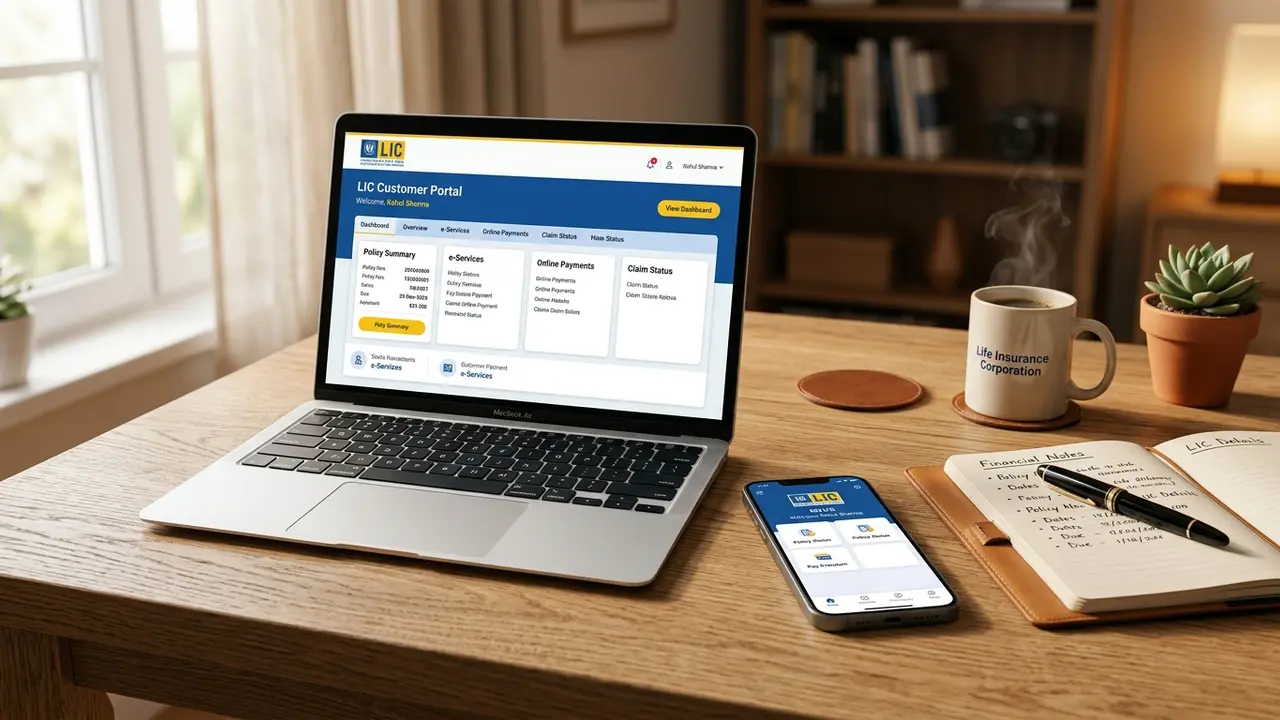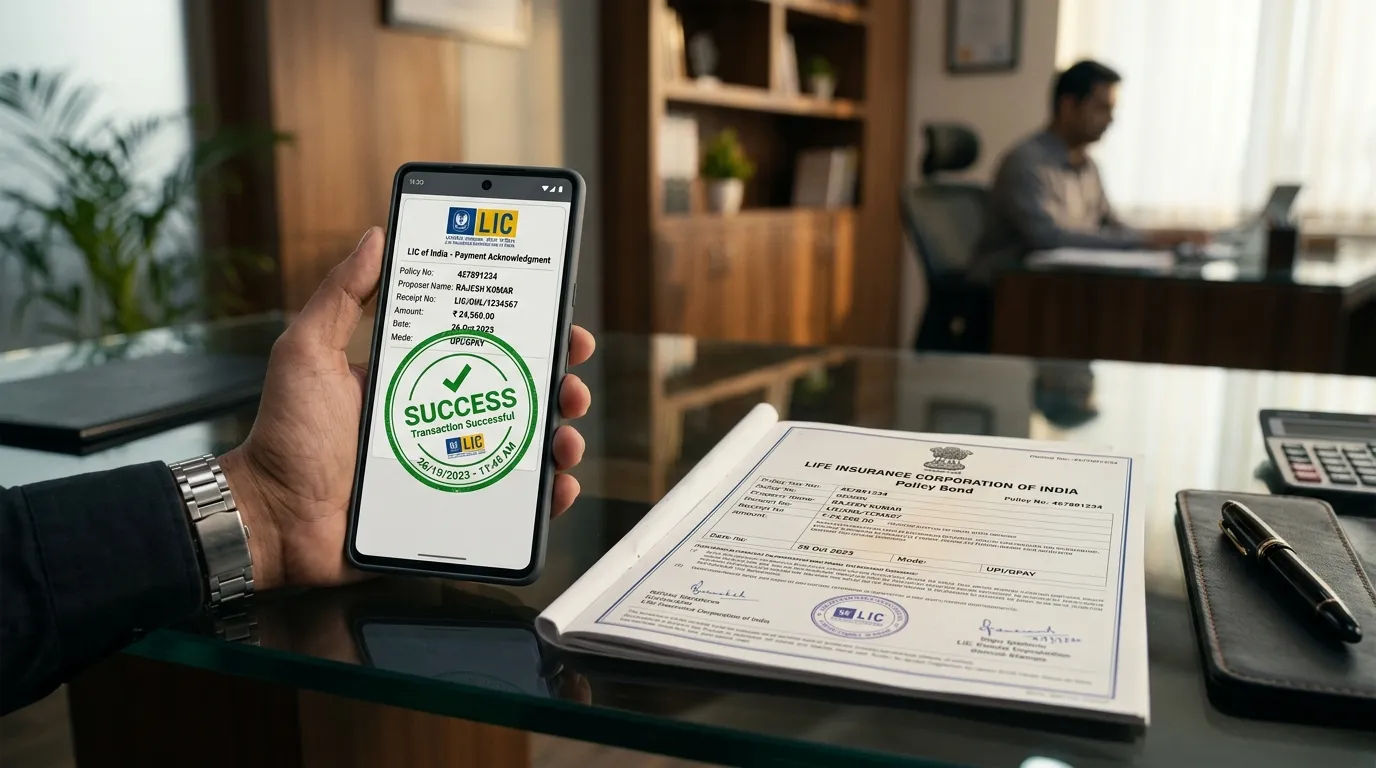
In an era of seamless digital banking, standing in long branch cash counters to pay your Life Insurance Corporation of India (LIC) premium is entirely obsolete. Today, over 80% of renewal premiums are processed digitally through sovereign payment gateways, Unified Payments Interface (UPI), and national banking clearinghouses. However, policyholders frequently encounter confusing scenarios: unexpected payment timeouts, gateway debits without receipt generation, credit card surcharge ambiguities, and ECS mandate bounce penalties.
This definitive, actuarially verified guide provides an exhaustive breakdown of every online payment pathway available to Indian policyholders in 2026. From the zero-login LIC Pay Direct facility to setting up fail-safe NACH auto-debit mandates and retrieving consolidated Section 80C tax certificates, this manual ensures your life cover remains continuous, active, and penalty-free.
1. Regulatory Framework & Premium Payment Timelines
A life insurance contract issued by the Life Insurance Corporation of India is legally governed by the Insurance Act, 1938 and the IRDAI (Non-Linked Insurance Products) Regulations. Under Section 64VB of the Insurance Act, an insurer cannot assume risk unless the premium has been paid in advance or guaranteed by a statutory payment mechanism:
- Statutory Risk Assumption (Section 64VB): Risk coverage begins or continues only upon the official realization and clearing of premium consideration into LIC's account.
- Statutory Grace Period Window: To prevent unintended lapse due to operational friction, every policyholder is legally granted a grace period following their contractual premium due date.
- Preservation of Life Protection: During the active grace period, your life insurance protection remains 100% operational. If death occurs within the grace period prior to premium remittance, the full claim is paid after deducting the single overdue installment.
• Yearly, Half-Yearly & Quarterly Modes: Exactly 30 calendar days of grace from the due date (a full month in 31-day months).
• Monthly Mode (NACH / ECS / Salary Savings Scheme - SSS): Exactly 15 calendar days of grace due to higher frequency of collection cycles.
2. The 5 Online Payment Channels: Detailed Comparison
Indian policyholders have access to five distinct digital payment channels. Selecting the appropriate channel depends on your need for registration, speed, and document retrieval:
| Payment Channel | Registration Required? | Processing Speed | Instant Receipt Download? | Convenience Surcharge |
|---|---|---|---|---|
| LIC Pay Direct | No Registration | Instant (Real-time) | Yes (PDF) | ₹0 (Free) |
| LIC Customer Portal | Yes (User ID/DOB) | Instant (Real-time) | Yes (Consolidated) | ₹0 (Free) |
| UPI (GPay / PhonePe / Paytm) | No LIC Account | Instant (Under 30s) | In-App Receipt Only | ₹0 (Free) |
| Net Banking (Direct Debit) | Bank Login | Instant to T+1 | Yes | ₹0 (Free) |
| NACH / e-Mandate Auto-Debit | One-time Mandate | Auto on Due Date | Generated Post-Clear | ₹0 (Free) |
3. Step-by-Step: How to Pay via LIC Pay Direct (No Login Required)
The fastest, most reliable method to pay your LIC renewal premium without remembering passwords or undergoing portal registration is LIC Pay Direct:
Access the Official Pay Direct Gateway
Visit ebiz.licindia.in/b2c and click on the prominent blue button labeled "Pay Direct (Without Login)".
Select Transaction Category: Renewal Premium / Revival
From the dropdown menu, select "Renewal Premium / Revival" (or 'Loan Repayment' / 'Loan Interest' if paying policy loan dues). Click Proceed.
Enter Mandatory Policy Identifiers
Input the 9-digit Policy Number, exact Installment Premium amount (without GST), Date of Birth (DD/MM/YYYY matching the policy bond), active Mobile Number, and Email ID.
Review Premium Quotation & GST Breakdown
The system queries LIC's core database and displays the Life Assured's name, First Unpaid Premium (FUP) date, basic premium, applicable GST (2.25% for renewal), and late fees (if applicable). Check the policy selection box and click Check & Pay.
Choose Payment Gateway (BillDesk or Airpay)
Select either BillDesk or Airpay. Both gateways support all Indian banks, UPI QR codes, RuPay/Visa/Mastercard credit/debit cards, and Net Banking.
Authenticate & Download Official Signed PDF Receipt
Authenticate the payment on your bank or UPI interface. Once approved, the screen immediately renders a "Download Receipt" button. An official digitally signed copy is also dispatched instantly to your registered email address.
4. Step-by-Step: Paying via UPI (Google Pay, PhonePe, Paytm, BHIM)
Bill payments through the Bharat Bill Payment System (BBPS) and integrated UPI apps allow one-tap premium clearance directly from your smartphone.
4.1 Google Pay (GPay) Premium Payment
- Open Google Pay and tap on "Pay Bills".
- Scroll down and select the "Insurance" category.
- Search for "Life Insurance Corporation of India (LIC)".
- Link your policy by entering your 9-digit Policy Number and Email ID.
- The system automatically fetches the exact bill amount and due date. Tap "Pay Bill", enter your 4-digit or 6-digit UPI PIN, and confirm.
4.2 PhonePe Premium Payment
- Open PhonePe and navigate to the "Recharge & Pay Bills" section.
- Tap on "Insurance" and select "Life Insurance Corporation of India".
- Enter your Policy Number and your registered Email ID (where the receipt will be sent).
- Verify the policyholder's name and total premium amount fetched from the LIC server. Select your linked bank account and tap "Proceed to Pay".
The transaction receipt generated inside Google Pay or PhonePe shows only an external BBPS reference number. This in-app slip is NOT valid for Section 80C income tax audits. To claim your tax deduction, you must download the official LIC-stamped receipt using your policy number from the LIC portal.
5. Credit Card Payments & Zero Surcharge Exemption Rules
For years, policyholders hesitated to pay premiums using credit cards due to fears of hefty 1.5% to 2.5% convenience charges. Under current operating rules, this is entirely eliminated:
Under Reserve Bank of India (RBI) consumer directives and LIC executive circulars, the Life Insurance Corporation of India absorbs the complete Merchant Discount Rate (MDR). Whether paying a ₹5,000 or ₹5,00,000 premium, your credit card is charged strictly the exact invoice value with zero surcharges.
Paying premiums via credit cards allows cardholders to accumulate valuable reward points and milestone benefits. Select cards (such as Axis Atlas, Tata Neu Infinity, or SBI SimplyCLICK) offer 1% to 3.3% return value on utility and insurance spends.
6. Grace Period Rules & Late Payment Interest Calculations
What happens if you fail to pay your premium on the exact contractual due date? LIC provides a statutory grace period during which zero penalty is charged.
6.1 Late Fee Computation Post-Grace Period
Once the 30-day (or 15-day monthly) grace period expires, your policy is in arrears. If you pay before the policy lapses into the medical underwriting zone (i.e., within 6 months of FUP), LIC imposes compound late fee interest:
LIC Late Fee Interest Formula (FY 2025-2026):
Late Fee Penalty = Base Premium × (r / 365) × Number of Overdue Days
Where r is the annual interest rate established by LIC's Actuarial Valuation Committee (currently pegged at 9.50% per annum, compounded half-yearly). A statutory minimum late fee of ₹5 to ₹15 applies per transaction.
Practical Late Fee Math Example:
• Installment Base Premium: ₹25,000
• Delay Beyond Grace Period: 45 Days
• Annual Interest Rate: 9.50%
• Calculated Penalty: ₹25,000 × (0.095 / 365) × 45 = ₹292.80 + GST (18%) = ₹345.50
The total payable amount at the portal checkout will be automatically adjusted to ₹25,345.50 + Base GST.
7. Setting Up & Cancelling NACH / ECS Auto-Debit Mandates
For policyholders with monthly payment modes or those who prefer automated budgeting, the National Automated Clearing House (NACH) e-Mandate system automatically deducts premiums on the contractual due date.
7.1 Setting Up NACH Mandate Online
- Log in to the LIC Customer Portal with your registered credentials.
- Navigate to Online Services → e-Services → e-NACH Mandate Registration.
- Select your enrolled policy and choose your destination bank account from the verified mandate list.
- Authenticate the electronic mandate via Net Banking or Debit Card OTP through the NPCI (National Payments Corporation of India) gateway.
- Once authorized, the mandate takes effect from the subsequent billing cycle.
7.2 How to Stop or Cancel an Active NACH Mandate
If you wish to switch banks, revert to manual quarterly payments, or surrender your policy, failing to cancel an active NACH mandate will trigger severe financial penalties:
If an automatic NACH debit hit occurs when your bank balance is insufficient, your commercial bank (HDFC, SBI, ICICI, etc.) will levy an ECS Dishonor / Bounce Fee of ₹250 to ₹590 + GST per attempt. If multiple presentation hits occur in a single month, you can easily lose ₹1,000+ in bank charges alone.
Cancellation Procedure: To cancel a mandate, submit LIC Form No. 5244 (Mandate Revocation Application) to your home servicing branch at least 15 days prior to the upcoming due date, or cancel the e-Mandate token directly inside your commercial bank's mobile banking app under Manage e-Mandates / Autopay.
8. How to Download Instant & Consolidated Section 80C Tax Receipts
Life insurance premiums paid for self, spouse, and dependent children qualify for tax deductions up to ₹1,50,000 under Section 80C of the Income Tax Act, 1961 (under the Old Tax Regime). For tax filing, employers and Chartered Accountants require formal documentation:
Method 1: Download Individual Payment Receipt (Pay Direct Portal)
If you just completed a payment, click the Download Receipt button immediately on the success page. If you lost the download, visit ebiz.licindia.in/b2c, click "Pay Direct" → "View / Download Receipt", enter your Policy Number and Transaction Reference Number (or DOB + date of payment), and re-download the signed receipt instantly.
Method 2: Consolidated Financial Year Premium Paid Statement (Customer Portal)
Instead of submitting 4 or 12 individual quarterly/monthly receipts to your HR department, generate a single consolidated statement:
- 1. Log in to the LIC Customer Portal.
- 2. Click on "Basic Services" on the left-hand navigation pane.
- 3. Select "Policy Statements" → "Individual Policy Premium Paid Statement".
- 4. Choose the target Financial Year (e.g., FY 2025-2026).
- 5. The portal compiles all premiums paid across all your registered policies into a single consolidated certificate displaying total basic premiums, GST, and Section 80C eligibility.
9. The 72-Hour Failed Transaction Resolution Protocol
One of the most stressful experiences for policyholders occurs when money is deducted from their bank account or credit card, but the browser encounters an error and displays: "Transaction Pending / Receipt Generation Failed".
When a gateway timeout occurs, the money is held in an escrow clearing pool between your bank, the aggregator (BillDesk/Airpay), and LIC. Submitting a second payment immediately will only result in double debits and subsequent refund waiting periods.
Follow this exact 3-step resolution protocol:
Automated Settlement Reconciliation
LIC's automated reconciliation engine executes a batch reconciliation run every 6 hours. In over 85% of cases, the transaction status shifts from 'Pending' to 'Successful', and the official receipt is automatically dispatched to your email address within 24 hours.
Check Merchant Portal Status
Visit the LIC portal under "Check Transaction Status". Enter your Merchant Reference Number (received via bank SMS). If the status indicates "Failure", the banking clearing network has initiated an automated reversal.
Automated Bank Reversal Credit
Under RBI's Harmonisation of Turn Around Time (TAT) circular, failed digital transactions must be credited back to the originating bank account within T+3 working days. If not credited, email bo_epay@licindia.com quoting your policy number, bank reference number, and date of transaction.
10. Advance Premium Deposit Scheme (Rule 115 Rebates)
Policyholders who come into lump-sum liquidity (such as annual bonuses, gratuity, or inheritance) often ask: "Can I pay 3 or 5 years of LIC premiums in advance and earn a discount?"
The Life Insurance Corporation of India offers a formal facility known as the Advance Premium Deposit Scheme under Rule 115:
| Feature | Standard Online Advance (Up to 30 Days) | Rule 115 Advance Deposit (Up to 5 Years) |
|---|---|---|
| Advance Window | Up to 30 days prior to contractual due date | Up to 5 Full Policy Years in advance |
| Interest Rebate / Discount | None | Attractive institutional interest rebate credited to deposit |
| Application Mode | Instant via Pay Direct or Portal | Home Branch Counter with Deposit Form |
| Tax Benefit Timing | Claimable in the financial year paid | Claimable year-by-year as premiums fall due |
Content validated against Section 64VB of Insurance Act 1938, RBI Guidelines on Harmonisation of TAT for Failed Transactions, and Life Insurance Corporation of India Digital Operations Manual (2025-2026).