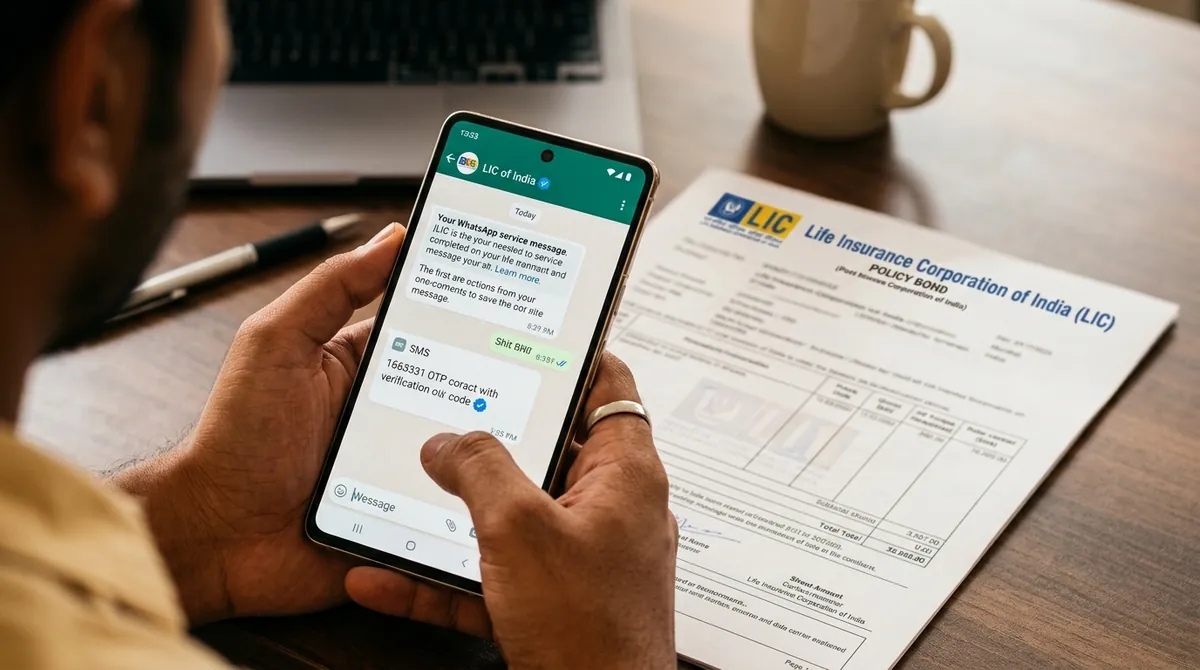
1. Method 1: Official LIC WhatsApp Service (+91 8976862090)
In response to customer demand for instant, frictionless policy servicing, the Life Insurance Corporation of India launched an interactive, automated WhatsApp Virtual Assistant. Operating 24 hours a day, 7 days a week, this service allows policyholders to retrieve live policy particulars in under 30 seconds without visiting a branch or creating a user account.
LIC's official WhatsApp service requires no registration, password memory, or biometric login. It authenticates your identity automatically based on the registered mobile number linked to your policy records.
Step-by-Step Guide to Using LIC WhatsApp Bot:
Save Official Contact
Save the verified number +91 8976862090 in your mobile phone address book under the name "LIC Official Assistant". Always ensure the contact displays the official green verified badge.
Initiate Chat Session
Open WhatsApp and send a simple message saying Hi, Status, or Hello from your registered SIM card.
Select Service from Interactive Menu
The bot immediately replies with a 12-item service catalog. Reply with the specific number corresponding to your requirement:
- • Option 1: Premium Due Date & Amount
- • Option 2: Bonus Information (Accrued Reversionary Bonus)
- • Option 3: Policy Status (In-force, Lapsed, Paid-Up)
- • Option 4: Loan Eligibility Amount
- • Option 5: Loan Repayment Quotation
- • Option 6: Premium Paid Certificate (for 80C Tax Proof)
Enter 9-Digit Policy Number
Type your 9-digit policy number (without dashes or spaces). Within 3 seconds, the assistant sends an encrypted statement containing your policy term, sum assured, next premium due, and active validity.
2. Method 2: SMS Shortcodes to 56767877 (No Internet Needed)
For policyholders living in remote rural regions, traveling without active cellular data, or utilizing standard feature phones, LIC maintains a high-availability dedicated SMS shortcode gateway at 56767877.
To pull specific policy metrics, draft an SMS from your registered SIM card using the exact case-insensitive syntax outlined in the official table below:
| Information Required | Exact SMS Message Syntax | Send To Gateway Number |
|---|---|---|
| Current Policy Status & Validity | ASKLIC <Policy Number> STAT | 56767877 |
| Next Premium Due Date & Amount | ASKLIC <Policy Number> ECD | 56767877 |
| Total Accumulated Vested Bonus | ASKLIC <Policy Number> BONUS | 56767877 |
| Maximum Loan Available Against Policy | ASKLIC <Policy Number> LOAN | 56767877 |
| Revival Amount & Late Fee Penalty | ASKLIC <Policy Number> REV | 56767877 |
| Nomination Details on Record | ASKLIC <Policy Number> NOM | 56767877 |
Real Example: If your policy number is 123456789 and you want to check if the policy is currently in-force, text ASKLIC 123456789 STAT to 56767877. Within 45 seconds, an official SMS reply will arrive stating: "Policy 123456789 is IN-FORCE. FUP: 04/2026. Mode: YLY. Premium: Rs 24,500."
3. Method 3: Online 'Pay Direct' Portal (Zero Login Verification)
If you have internet access on a computer or mobile browser but do not want to go through the lengthy process of registering a customer account, LIC offers an instant lookup pathway via its public "Pay Direct" transaction portal.
While primarily designed for premium collections, the Pay Direct system doubles as a comprehensive policy verification tool because it dynamically fetches active policy data straight from the central core banking database before asking for payment:
-
Step 1: Access the Official Portal: Visit the official web portal at
ebiz.licindia.inor navigate tolicindia.inand click on Pay Premium Online → Pay Direct (Without Login). - Step 2: Select Service Transaction: From the drop-down menu, choose Renewal Premium / Revival or Loan Interest Payment. Click Proceed.
-
Step 3: Enter Verification Fields: Provide the four mandatory matching criteria:
• Policy Number: Your 9-digit policy code.
• Installment Premium Amount: Exact base premium without GST (as printed on your original policy bond or previous receipt).
• Date of Birth: Policyholder's date of birth inDD/MM/YYYYformat.
• Email ID & Mobile Number: Any active contact coordinates to receive the verification acknowledgment. -
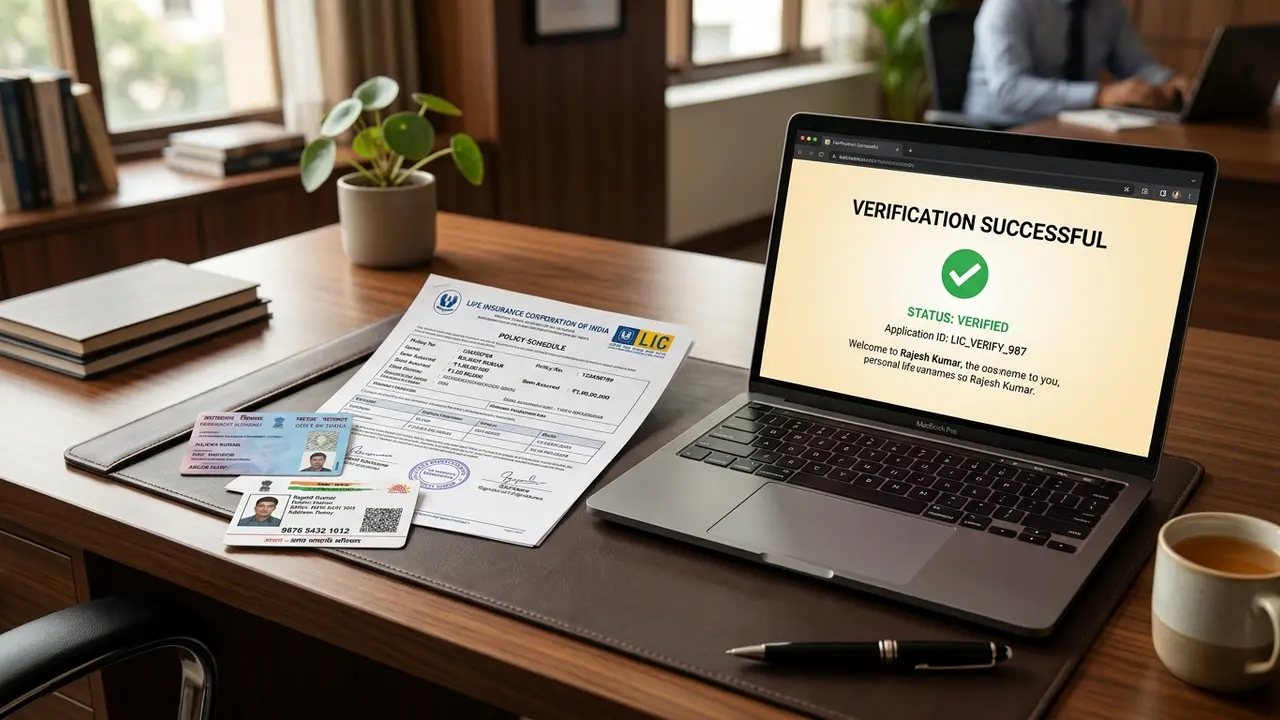
Step 4: View Live Policy Particulars: Upon clicking Submit, the system queries the LIC core server and displays a comprehensive summary table showing:
• Name of the Life Assured
• Current Policy Status (In-force, Lapsed, or Paid-Up)
• First Unpaid Premium (FUP) Date
• Exact Late Fee Interest charged (if premium is overdue)
• Applicable CGST and SGST breakdown
Pro-Tip: You are not obligated to make a payment. Once you have verified your policy status and due dates, you can simply close the browser window.
4. Method 4: IVRS Toll-Free Call Centre & Zonal Helpline Directory
LIC operates a centralized, computer-telephony integrated Interactive Voice Response System (IVRS) accessible across all telecommunication circles in India. It is available in English, Hindi, and 8 major regional Indian languages.
- National Toll-Free Helpline:
1800 425 9876(Toll-free from any BSNL, MTNL, Jio, Airtel, or Vi connection). - Unified Metro Customer Line:
022 6827 6827(Direct connection to Central Office Customer Servicing Desk). - Operating Hours: Automated IVRS functions 24/7; human executive assistance is available Monday through Saturday from 8:00 AM to 8:00 PM.
Zonal Call Centre Helpline Numbers:
| LIC Operating Zone | Key States Covered | Direct Servicing Number |
|---|---|---|
| Northern Zone | Delhi, Punjab, Haryana, Himachal Pradesh, J&K | 011 2884 4100 |
| Western Zone | Maharashtra, Gujarat, Goa | 022 6827 6827 |
| Southern Zone | Tamil Nadu, Kerala, Puducherry | 044 2860 4000 |
| Eastern Zone | West Bengal, North-East States, Odisha | 033 2212 7000 |
| Central Zone | Madhya Pradesh, Chhattisgarh | 0755 255 3300 |
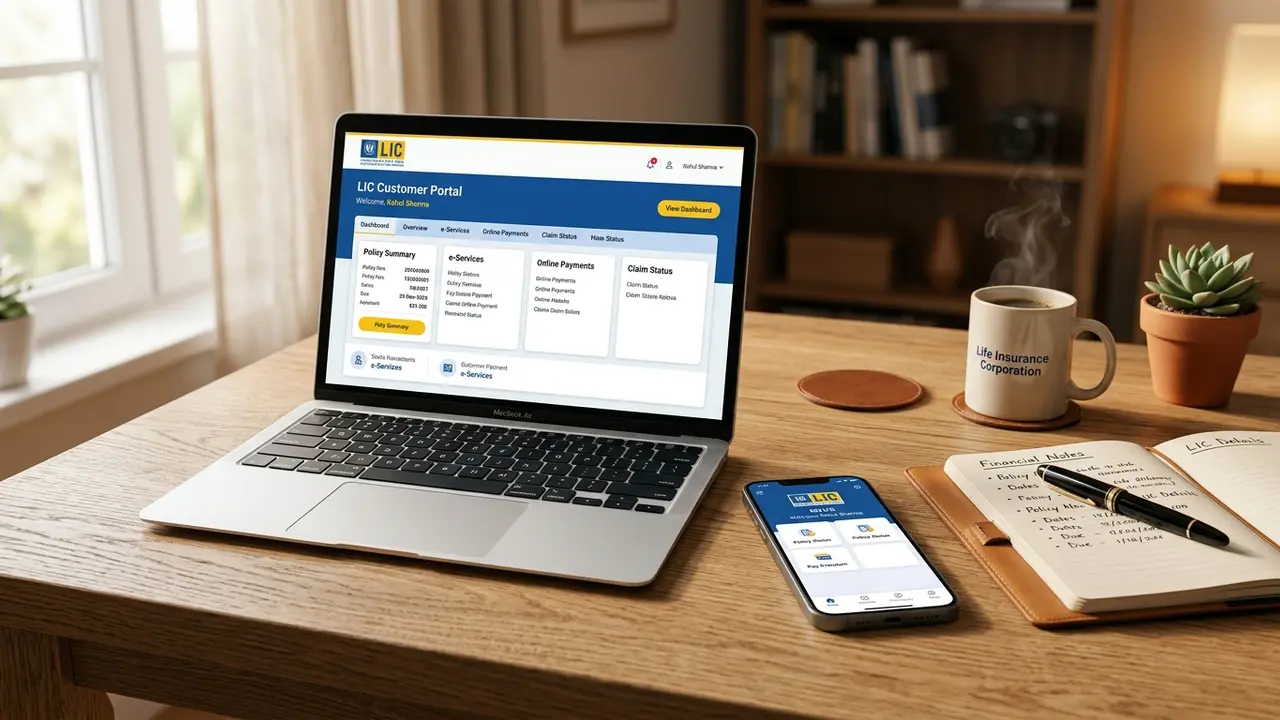
5. Method 5: Full Policy Particulars on MyLIC App & Premier Services
While quick methods like SMS and WhatsApp provide immediate surface-level metrics, registered portal access is indispensable for long-term portfolio management. LIC divides customer accounts into two distinct tiers:
Basic Customer Services (Instant Access)
Available immediately upon creating a free account with your email, mobile number, and policy number.
- • View full schedule of all family policies under one master dashboard.
- • Download official consolidated Premium Paid Statements (for Section 80C tax filing).
- • Track status of submitted survival benefit (money-back) vouchers.
- • Check policy revival quotations and late fee interest calculators.
Premier Customer Services (KYC Verified)
Requires uploading scanned copies of your PAN card, Aadhaar, and a registration form verified by branch officials.
- • Instant Online Policy Loan: Apply for and receive policy loans credited directly to your bank in 24 hours.
- • Change of Address & Contact: Update residential address and bank account details paperlessly.
- • Direct Online Claim Tracking: Monitor maturity claim vouchers and discharge approvals in real-time.
6. Method 6: Tracking LIC Policy Status for NRI Policyholders
Non-Resident Indians (NRIs) holding policies with LIC domestic branches or overseas centers (LIC International Bahrain, LIC Singapore, LIC UK, LIC Nepal) have dedicated digital channels:
- Overseas WhatsApp Assistance: NRIs can interact with the verified WhatsApp bot (+91 8976862090) provided their Indian SIM card remains active on international roaming.
- Dedicated Central NRI Helpdesk: For account queries, email
nri_cell@licindia.comorco_nricell@licindia.comwith your policy number, passport copy, and country of residence. - NRE / NRO Account Status: NRIs can verify whether their premium receipts are recorded under foreign currency remittance (eligible for repatriable claim proceeds under FEMA regulations) by downloading the Foreign Currency Remittance Certificate via customer portal.
7. Troubleshooting: Mobile Not Registered & Lapsed Status Decoding
If you encounter errors while attempting to track your policy status, refer to these proven troubleshooting resolutions:
Issue 1: "Mobile Number Not Registered in Records"
If the SMS gateway returns an error stating your mobile number is unrecognized, your contact coordinates are not linked to your policy docket. You have two options:
- Online Updation (Fastest): Visit
licindia.in→ Customer Services → Update Your Contact Details (Online). Enter your Policy Number, Date of Birth, PAN, and complete Aadhaar OTP authentication. Your mobile number updates across all linked policies within 2 business hours. - Branch Updation: Submit a physical Contact Details Updation Form (Form 5152) along with a self-attested Aadhaar photocopy at any LIC servicing counter.
Issue 2: Decoding Status Codes (What Does Your Status Mean?)
| Status Indicator | Legal Meaning | Action Required |
|---|---|---|
| IN-FORCE | All due premiums paid. Full life cover active. Bonus accruing normally. | Pay next premium on or before the First Unpaid Premium (FUP) date. |
| GRACE PERIOD | Due date crossed, but within 30-day grace (15 days for monthly). Cover active. | Pay premium immediately without any late fee penalty. |
| LAPSED | Grace period expired without payment. Life cover terminated. No bonus accrual. | Revive policy within 5 years of FUP by paying arrears with interest. |
| PAID-UP | Premiums stopped after 2+ years. Reduced cover active till maturity. | No further premiums needed. Payout disbursed on original maturity date. |
Issue 3: Common SMS Gateway Error Responses & Fixes
| SMS Error Text Received | Underlying Cause | Instant Resolution |
|---|---|---|
| INVALID FORMAT | Missing space between ASKLIC, Policy Number, or Command Code. | Ensure single space formatting: ASKLIC 123456789 STAT. Do not use commas or dashes. |
| POLICY DOES NOT EXIST | Typo in policy number, or policy was issued under a satellite branch without master migration. | Cross-check the 9-digit policy number on your original bond. Must be exactly 9 digits. |
| MOBILE NOT LINKED | Sending SMS from a secondary SIM not recorded in the proposal form. | Switch outgoing SMS to your registered primary SIM, or update your contact details online. |
| SERVICE TEMPORARILY UNAVAILABLE | Central Office server nightly batch reconciliation (usually between 11:30 PM and 2:30 AM). | Retry the request between 8:00 AM and 8:00 PM for instantaneous real-time response. |
How to Download Official Premium Paid Certificate (Tax Proof):
Under Section 80C of the Income Tax Act, 1961, life insurance premiums qualify for tax deduction up to ₹1,50,000 annually. When verifying policy status, policyholders often need official tax certificates:
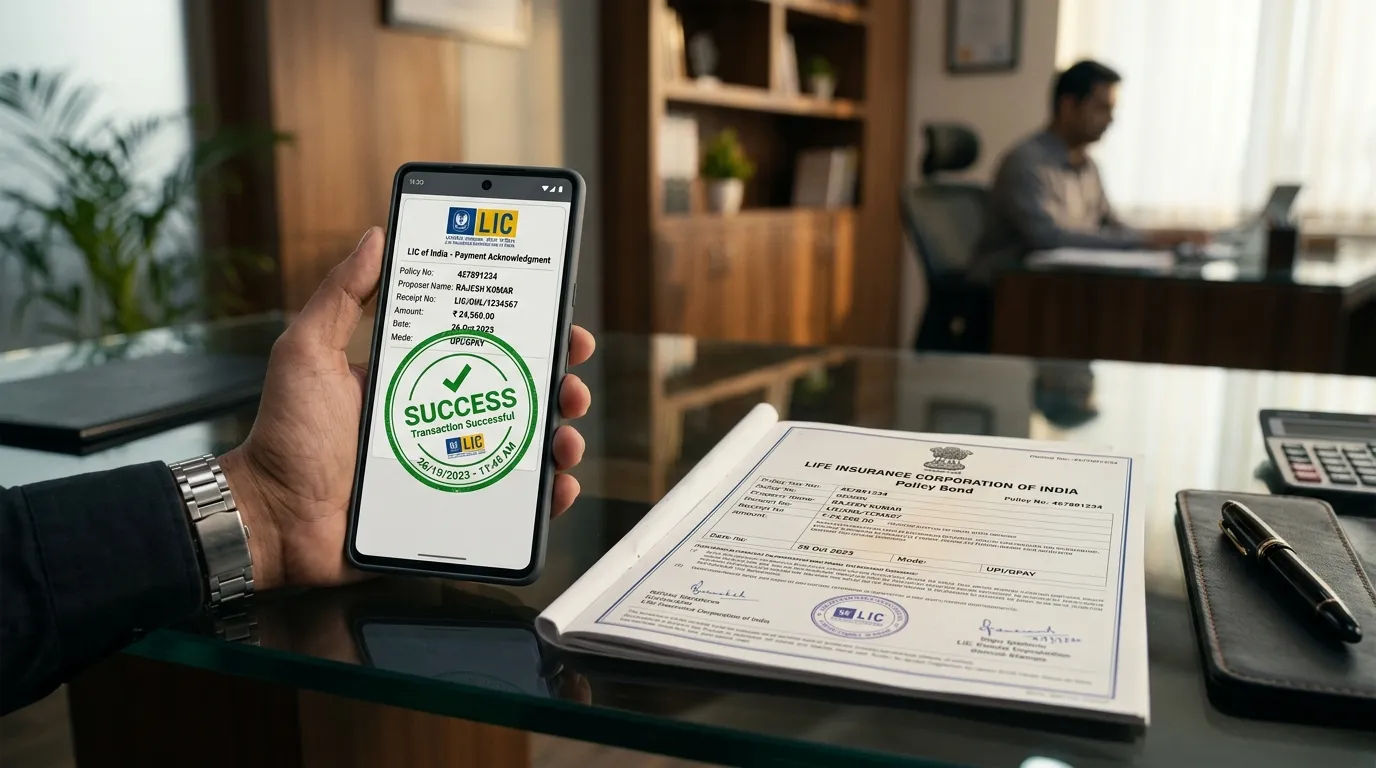
- Individual Policy Receipts: Downloadable immediately after payment via the Pay Direct confirmation email or SMS link.
- Consolidated Annual Statement: Log in to the Customer Portal → Statements & Certificates → Consolidated Premium Paid Certificate. Select Financial Year (e.g., 2025-26 or 2026-27) to generate a digitally signed PDF containing all active family policies, exact GST split, and Section 80C compliance seal accepted by all corporate HR payroll departments and Income Tax assessing officers.