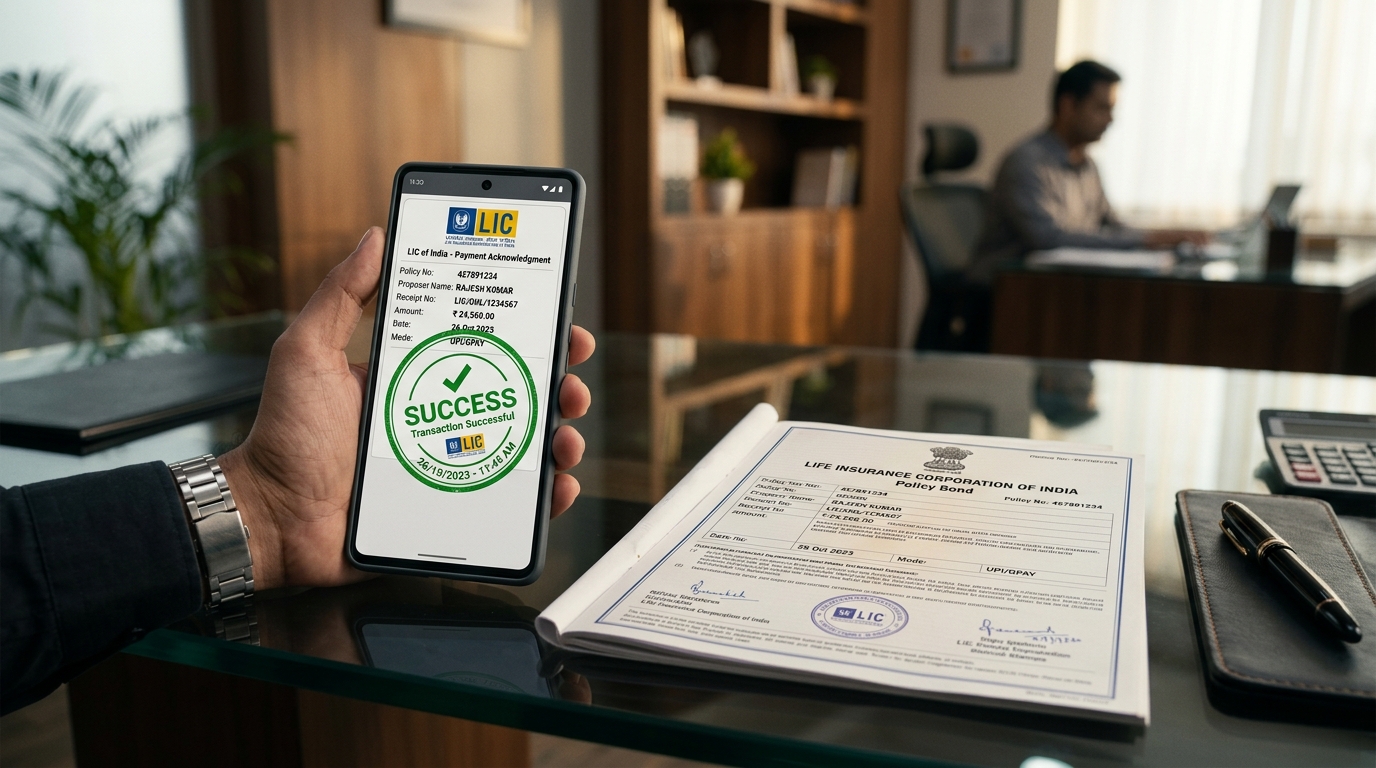
1. What is the LIC Merchant Portal (Premium Point)?
The LIC Merchant Portal (merchant.licindia.in) is an enterprise-grade digital collection platform developed by the Life Insurance Corporation of India. It powers thousands of LIC Premium Points, Life Plus Kendras, and retail collection kiosks across the country.
Recognizing that policyholders often cannot visit brick-and-mortar branch cash counters during standard banking hours (10:00 AM to 3:30 PM), LIC decentralized renewal premium collections by licensing trusted intermediaries. Receipts printed via the Merchant Portal carry the exact legal validity as receipts issued at an LIC divisional counter.
2. Who Can Become an Authorized LIC Merchant?
LIC does not grant merchant collection rights to the general public. Authorization is strictly regulated under institutional guidelines:
- Senior Business Associates (SBAs): Senior-tier agents authorized to run mini-branch "Life Plus Kendras" with full servicing capabilities.
- Chief Life Insurance Advisors (CLIAs): Team leaders and senior mentors authorized to collect premiums for their branch circles.
- Retired LIC Employees: Trustworthy veterans of the corporation operating independent customer facilitation kiosks.
- Common Service Centres (CSC / VLEs): Village Level Entrepreneurs partnered through digital mission tie-ups in rural gram panchayats.
3. Hardware, Software & Static IP Security Protocols
To shield financial transactions against unauthorized tampering or cyber intrusions, LIC enforces strict infrastructural specifications:
- Desktop PC or Laptop running Windows 10/11 or Ubuntu.
- Static Broadband IP Address: LIC maps the Merchant ID to a specific static public IP. Access from unmapped dynamic IPs is blocked.
- Laser or Dot-Matrix printer loaded with prescribed 80gsm pre-printed or plain paper rolls.
- 256-bit SSL encrypted connection on
merchant.licindia.in. - Mandatory 30-day password rotation cycle.
- Automatic session termination after 10 minutes of inactivity.
4. Step-by-Step Merchant Portal Login Procedure
- Open your designated browser and navigate to merchant.licindia.in.
- Input your unique Merchant User ID (assigned by the LIC Divisional Senior Divisional Manager).
- Enter your confidential alphanumeric password.
- Solve the graphical Captcha verification string.
- Click Sign In. The system verifies your static IP address against the divisional whitelist.
- Upon successful authentication, the Merchant Operations Console displays your active Float Balance and daily collection counters.
6. Advance Float Account: How Balance Recharging Works
Merchants cannot issue receipts without available balance. Every collection point operates a revolving credit pool known as the Advance Float Account:
- Initial Deposit: Merchants maintain an advance balance ranging between ₹50,000 to ₹5,00,000 deposited with LIC's designated pooling account.
- Instant Recharge: When float runs low during heavy tax-saving months (February-March), merchants top up their float via NEFT/RTGS to LIC's Virtual Account Number (VAN) or online payment gateway. The balance reflects within minutes.
7. End-of-Day (EOD) Reconciliation & Bank Remittance
Every merchant must close their daily cash books before 11:30 PM:
- Generate the Daily Collection Summary (DCS) report detailing all receipts cleared during the day.
- Reconcile physical cash and cheques received against total float deducted.
- Cheques collected must be submitted at the mapped LIC branch office or deposited in designated bank drop boxes within 24 hours.
8. Commission Structure & Transaction Earnings
Authorized merchants earn attractive processing incentives directly credited into their bank accounts:
| Service Provided | Merchant Incentive Payout | Customer Charge |
|---|---|---|
| Renewal Premium Collection (Cash/Digital) | ₹5 to ₹10 per receipt (paid by LIC) | ₹0 (Strictly Free of Cost) |
| ULIP Fund Value / Status Certificate | Transaction Fee Incentive | ₹0 (Free Service) |
| Monthly High Volume Bonus | Additional slab incentives for > 500 receipts/month | - |
9. Password Reset & Resolving 'Account Locked' Errors
- Account Locked Error: If an incorrect password is entered three times consecutively, the portal automatically locks the account for security reasons. To unlock, click "Forgot Password", enter your registered User ID and registered email. A password reset link with a temporary OTP is dispatched immediately.
- Static IP Changed: If your internet service provider changes your public IP, the portal returns an "Unauthorized Access" notification. Contact your branch IT Manager to submit the new IP for whitelisting.