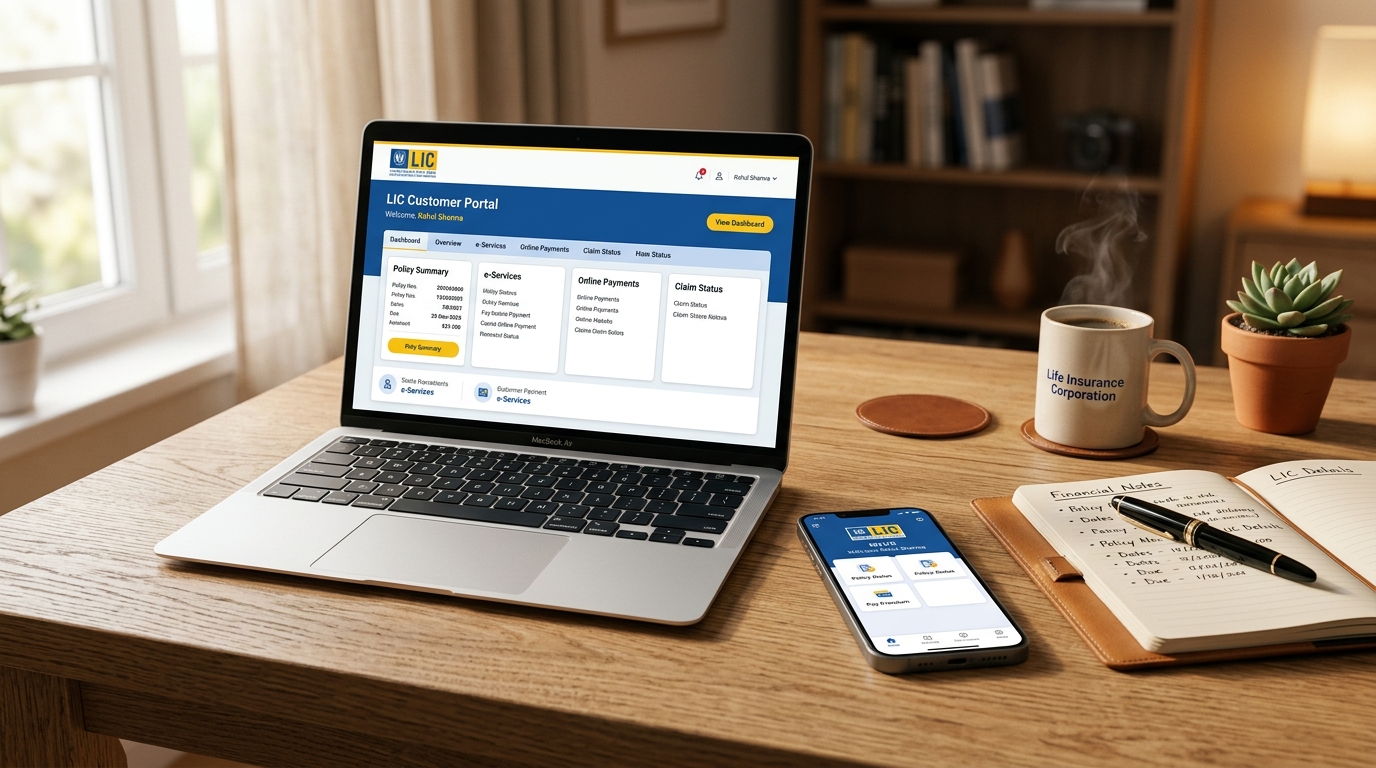
1. What is the LIC ANANDA Portal?
Launched by the Life Insurance Corporation of India, LIC ANANDA stands for AtmaNirbhar Agents NewBusiness Digital App. It is a cutting-edge, web-based digital application designed to transition LIC's massive retail distribution machinery into a 100% paperless, contactless ecosystem.
Historically, selling an LIC policy required procuring physical 12-page proposal forms, obtaining multiple ink signatures, xeroxing self-attested Aadhaar and PAN documents, collecting physical cheques, and submitting files at the home branch counter for manual underwriting.
2. Pre-Requisites for Agents & Policyholders
To ensure flawless execution on the ANANDA platform, both parties must have their digital credentials aligned:
Agent Prerequisites
- Active 8-digit Agency Code or CLIA Code.
- Registered mobile number updated in LIC's divisional agency database.
- Aadhaar card linked with active mobile number for agent e-sign authentication.
- Active internet browser (Chrome, Edge, or Firefox) on desktop or mobile device.
Customer Prerequisites
- Aadhaar number linked to an active mobile number capable of receiving UIDAI OTPs.
- Valid PAN card verified against NSDL/Income Tax database.
- Bank account details with IFSC code for NEFT mandate and auto-debit registration.
- Active email address to receive the verification link, e-policy bond, and FPR.
3. Step-by-Step Agent Login & First-Time Registration
- Visit the official portal at licindia.in and click on the ANANDA icon (or access directly via
licindia.in/ananda). - Select your user role: Agent / CLIA / Direct Agent.
- Input your Agency Code and password. For first-time users, click "New User / Register" to set up security credentials using an OTP dispatched to your registered agency mobile number.
- Enter the 6-digit dynamic One-Time Password (OTP) received on your registered device.
- Upon successful two-factor authentication, the ANANDA Agent Dashboard loads, displaying active leads, pending e-signs, and issued policies.
4. Aadhaar Offline XML e-KYC & Verification Protocol
Customer identity verification is executed strictly using UIDAI's statutory Paperless Offline e-KYC XML mechanism:
- Downloading the XML File: The agent or customer accesses the official UIDAI resident portal (myaadhaar.uidai.gov.in), enters their 12-digit Aadhaar number, inputs the Captcha, and receives an OTP.
- Setting 4-Digit Share Code: The user creates a 4-digit secret Share Code (e.g.,
1234) and downloads the encrypted.zipe-KYC file. - Uploading into ANANDA: The XML zip file is uploaded directly into ANANDA along with the 4-digit share code and the customer's registered mobile number.
- Instant Demographics Extraction: The portal automatically populates the customer's full name, date of birth, gender, photograph, and permanent address directly from UIDAI's encrypted repository, completely eliminating typo errors.
5. Proposal Form Filling, Riders & Premium Calculation
Once KYC is authenticated, the agent completes the plan selection screen:
- Select the plan (e.g. Jeevan Labh 936, Jeevan Utsav 871, New Endowment 914, Tech Term 854).
- Input Basic Sum Assured, Policy Term, and Premium Paying Term.
- Choose Optional Riders: Accidental Death and Disability Benefit Rider, Critical Illness Rider, or Term Assurance Rider.
- Input Nominee details: Nominee name, relationship, age, and appointee details if the nominee is a minor.
- Record Bank Details: Account number and IFSC code for direct credit of future survival benefits and maturity proceeds.
- The portal calculates the exact gross premium including applicable GST and high sum assured rebates.
6. Customer Review Link, OTP Verification & e-Sign Process
This step protects customer consent and satisfies legal electronic contract requirements under the Information Technology Act, 2000:
ANANDA generates a secure, tokenized verification link dispatched instantly to the customer's registered email and mobile via SMS.
The proposed buyer opens the link on their smartphone, inspects the filled proposal summary, medical history declarations, and nominee specifications.
The customer checks the consent box and clicks "Proceed to eSign". An Aadhaar OTP is generated by UIDAI. Upon entering this OTP, a legally binding cryptographic digital signature is stamped onto the electronic proposal form.
7. Agent MHR Submission & Digital Payment Settlement
- Agent Confidential Report (MHR): The agent logs into ANANDA, completes the Moral Hazard Report (MHR) verifying the customer's financial status, identity, and physical appearance, and signs it digitally via Aadhaar OTP.
- Online Payment Redirection: The customer or agent proceeds to the integrated payment gateway. Multiple payment avenues are supported:
- UPI (Google Pay, PhonePe, Paytm, BHIM)
- Net Banking (All scheduled commercial banks)
- Debit Cards / Credit Cards
- NACH e-mandate registration for future renewal premiums
8. Instant Policy Number Generation & FPR Download
Upon successful payment reconciliation (usually instantaneous):
- The central core insurance system (LICI Central Underwriting) automatically assigns an authentic 9-digit Policy Number.
- The First Premium Receipt (FPR) is generated immediately in PDF format, accessible for one-click download.
- An official SMS containing the policy number and download link is sent to the policyholder's smartphone.
- The digital e-policy document is automatically routed to the policyholder's registered email address and DigiLocker account.
9. Common ANANDA Portal Errors & Troubleshooting
| Common Error Notice | Root Cause | Resolution Action |
|---|---|---|
| Aadhaar XML Share Code Invalid | Mismatch in the 4-digit numeric code created during UIDAI download. | Re-download the XML file from UIDAI and ensure the exact same 4-digit code is typed into ANANDA. |
| Customer Name Mismatch (PAN vs Aadhaar) | Spelling discrepancies between Income Tax PAN database and UIDAI. | Check PAN-Aadhaar linking status. If initials differ, update name in PAN database prior to ANANDA logging. |
| Session Expired / Token Expired | Customer delayed opening the verification link beyond the 48-hour timeout. | Agent can click "Re-send Customer Verification Link" from the ANANDA dashboard. |
| Payment Deducted but Policy Not Generated | Bank payment gateway timeout during callback handshake. | Wait 30 minutes for automated batch reconciliation. Check "BOP Transaction Status" in agent dashboard. |