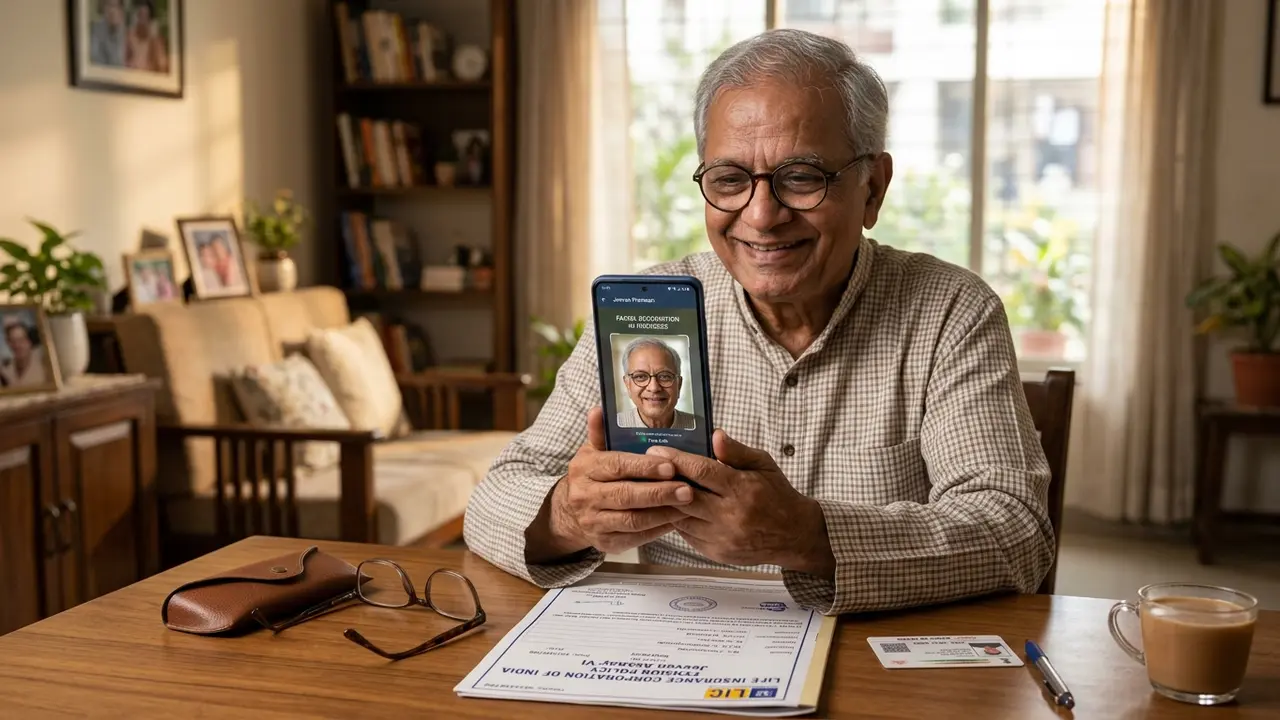
For millions of senior citizens across India, monthly pension payouts from the Life Insurance Corporation of India (LIC) represent financial dignity and independence in their golden years. Whether you subscribed to flagship annuity contracts like LIC Jeevan Akshay, invested retirement gratuity into New Jeevan Shanti, or enrolled under Pradhan Mantri Vaya Vandana Yojana (PMVVY), receiving an uninterrupted monthly pension is essential. However, every annuitant must satisfy one mandatory annual compliance: the submission of the Existence Certificate (Life Certificate / Jeevan Pramaan).
In earlier years, this process was an exhausting ordeal, forcing elderly pensioners to travel to distant branch offices or wait for hours in bank queues. In 2026, technology has completely transformed this workflow. Using sovereign Aadhaar Face Authentication, senior citizens can now submit their Digital Life Certificate (DLC) right from the comfort of their living room sofa in under three minutes. This comprehensive guide explains every detail: smartphone facial authentication, doorstep postman services, physical branch forms, and restoring stopped pensions.
1. Regulatory Mandate: Why LIC Annuitants Must Submit Existence Proof
An annuity contract issued by the Life Insurance Corporation of India is legally categorized as a life-contingent financial contract. Under the Insurance Act, 1938 and IRDAI pension guidelines:
- Life-Contingent Payout Condition: Unlike a fixed deposit where interest is disbursed to an account regardless of the depositor's status, annuity payments are legally conditioned upon the survival of the primary annuitant.
- Prevention of Ghost Disbursements: Public financial audit regulations require LIC to obtain verifiable proof of existence annually to ensure public funds and policyholder reserves are not disbursed into bank accounts of deceased individuals.
- Joint Life Annuity Continuity: In joint-life annuity plans (Option F or Option J where pension continues to spouse upon the primary annuitant's death), existence proof verifies which spouse is alive to determine the correct tax and payout rate.
In accordance with the Digital India initiative, LIC is fully integrated with the Jeevan Pramaan portal, managed by the National Informatics Centre (NIC). When you submit a Digital Life Certificate (DLC), the cryptographic authentication token is pushed directly into LIC's central annuity server within 48 hours without requiring any manual paperwork.
2. Eligible Annuity & Pension Plans Requiring Annual Certification
Every traditional and non-linked pension contract that disburses regular annuities requires an annual existence certificate:
| Plan Name | Table Number | Annuity Type | Existence Proof Frequency |
|---|---|---|---|
| LIC Jeevan Akshay (VI & VII) | Plan 189 / Plan 857 | Immediate Annuity (Lifetime) | Once Every 12 Months |
| LIC New Jeevan Shanti | Plan 858 | Deferred Annuity (Post-deferment) | Annual (Once pension starts) |
| LIC Saral Pension | Plan 862 | Standard Immediate Annuity | Once Every 12 Months |
| Pradhan Mantri Vaya Vandana (PMVVY) | Plan 842 / Plan 856 | Government Subsidized Pension | Once Every 12 Months |
| Varishtha Pension Bima Yojana | Plan 161 / Plan 828 | Senior Citizen Guaranteed Pension | Once Every 12 Months |
3. Annual Submission Calendar, Deadlines & Rolling Validity
Historically, November was designated as the universal submission month for all Indian pensioners. However, to prevent portal server congestion and reduce stress for senior citizens, LIC operates on a modernized Rolling Validity Protocol:
Principle 1: 12-Month Rolling Validity
Your Life Certificate is valid for exactly 365 days from the date of its last successful authentication. For instance, if you submitted your certificate on December 15, your pension will continue uninterrupted until December 15 of the following year.
Principle 2: Early Submission Window (Up to 90 Days Prior)
You do not need to wait until the final expiry week. LIC allows pensioners to submit their existence certificate up to 90 days in advance of the due date. The subsequent validity date is automatically reset for another 12 months.
Principle 3: Grace Extension for Senior Citizens
For super-senior pensioners aged 80 and above, the government and LIC grant an extended special window opening from October 1st each year, providing two full months of prioritized assistance before the standard November rush.
4. The Game-Changer: Aadhaar Face Authentication via Smartphone
The greatest breakthrough for elderly pensioners has been the launch of Aadhaar Face Authentication (Face RD) by UIDAI and the Ministry of Electronics & IT.
Why Face Authentication is Revolutionary:
- Zero Biometric Hardware: In the past, pensioners had to purchase expensive USB optical fingerprint scanners (Mantra or Morpho) costing ₹2,500 to ₹3,500. With Face RD, your smartphone's front selfie camera is all that is required.
- Overcoming Faded Fingerprints: As human skin ages, epidermal ridges wear down. Elderly pensioners over age 70 frequently faced 50%+ fingerprint matching failure rates. Facial recognition bypasses this completely by analyzing 3D facial nodal points.
- Home Convenience: Bedridden, ailing, or mobility-impaired pensioners can be authenticated directly from their bed by their children or grandchildren in less than 2 minutes.
5. Step-by-Step Guide: Generating DLC via Jeevan Pramaan Face App
Follow this exact step-by-step walkthrough to submit your Digital Life Certificate using an Android smartphone:
Install the Two Mandatory Applications
From the Google Play Store, download:
1. AadhaarFaceRD (Official biometric service app by UIDAI).
2. Jeevan Pramaan (Official client app by NIC).
Note: AadhaarFaceRD runs as a background service; it will not show an app icon on your home screen.
Complete One-Time Operator Authentication
Open the Jeevan Pramaan app. An 'Operator Authentication' screen appears. Any family member can act as the operator. Enter your Aadhaar number, mobile number, and email. Verify the OTP, and scan the operator's face to unlock the pensioner terminal.
Enter Pensioner Details & LIC Specific Dropdowns
Now enter the actual Pensioner's Aadhaar Number and mobile. In the critical dropdown fields, select:
• Sanctioning Authority: Life Insurance Corporation of India
• Disbursing Agency: Life Insurance Corporation of India
• Agency: Select your servicing LIC Branch or Divison.
• PPO Number: Enter your exact 9-digit Policy Number.
• Account Number: Enter the savings bank account number where your pension is credited.
Facial Recognition Scan
Hold the phone steady at eye level in a well-lit room without backlighting. Instruct the pensioner to look into the front camera. The app will prompt: "Blink your eyes". The live face capture will automatically register upon blinking.
Instant Pramaan ID Generation & Confirmation
Upon successful verification, the screen displays a green tick and generates a unique 10-digit Pramaan ID. An SMS confirmation is dispatched to the pensioner's mobile with a direct link to download the PDF certificate.
6. Doorstep Postman & CSC Service via India Post Payments Bank (IPPB)
If a senior citizen does not possess a smartphone or resides in a rural area, the Department of Posts provides a nationwide Doorstep Digital Life Certificate Service:
1. Download the Post Info mobile app or visit ccc.cept.gov.in/servicebooking.
2. Select Service Request → IPPB → Jeevan Pramaan Generation.
3. Enter your address, mobile number, and pin code.
4. Within 24 to 48 hours, your local Gramin Dak Sevak (Postman) will visit your home equipped with a biometric micro-ATM device.
5. The postman captures your biometric thumbprint or face, generates the Pramaan ID instantly, and charges a standardized fee of ₹70 (inclusive of GST).
7. Offline Branch Method: Physical Form 5176 & Authorized Attestations
Pensioners who prefer traditional paper documentation or whose biometrics fail completely can submit a physical existence certificate to their home servicing branch using LIC Form No. 5176 (Certificate of Existence).
Who is Legally Authorized to Attest Form 5176?
The pensioner must sign in the presence of an authorized certifying authority who personally verifies the pensioner is alive. Eligible witnesses include:
- • Branch Manager or authorized Class-I Officer of any LIC Branch.
- • Branch Manager of the Nationalized Bank where the pension account is maintained.
- • Gazetted Officer of the Central or State Government.
- • Registered Medical Practitioner (MBBS Doctor).
- • Postmaster of a recognized Head or Sub-Post Office.
- • Executive Magistrate, Sub-Registrar, or Notary Public.
8. Special Protocol for NRI Pensioners Living Abroad
Non-Resident Indian (NRI) pensioners drawing annuities from LIC policies while residing abroad (in the US, UK, Canada, UAE, Australia, etc.) must follow a specialized diplomatic verification protocol:
- Download Official Form 5176: Download the Life Certificate form from the LIC international portal.
- Consular or Notarial Attestation: The NRI pensioner must present themselves before an authorized officer at the Indian Embassy, High Commission, or Indian Consulate. Alternatively, attestation by a certified foreign Public Notary is legally accepted.
- Digital Submission via Email: Many foreign division branches now accept scanned high-resolution PDF copies of the consular-attested life certificate submitted from the pensioner's registered email address to
directannuity@licindia.com.
9. What Happens If You Miss the Deadline? (Restoring Stopped Pension)
Missing the life certificate submission due date triggers an automated defensive freeze on pension payouts. Understand how the recovery mechanism functions:
A stopped pension is NEVER forfeited. It is simply placed under an administrative hold. Your pension funds remain 100% safe in LIC's escrow reserves. The moment your new Digital Life Certificate is processed, the system automatically triggers a bulk arrear credit releasing all missed months of pension in one single NEFT transfer.
10. How to Verify Life Certificate Acceptance on LIC Portal
After submitting your DLC via the Jeevan Pramaan Face App or postman, follow these steps to confirm acceptance:
- Step 1: Visit
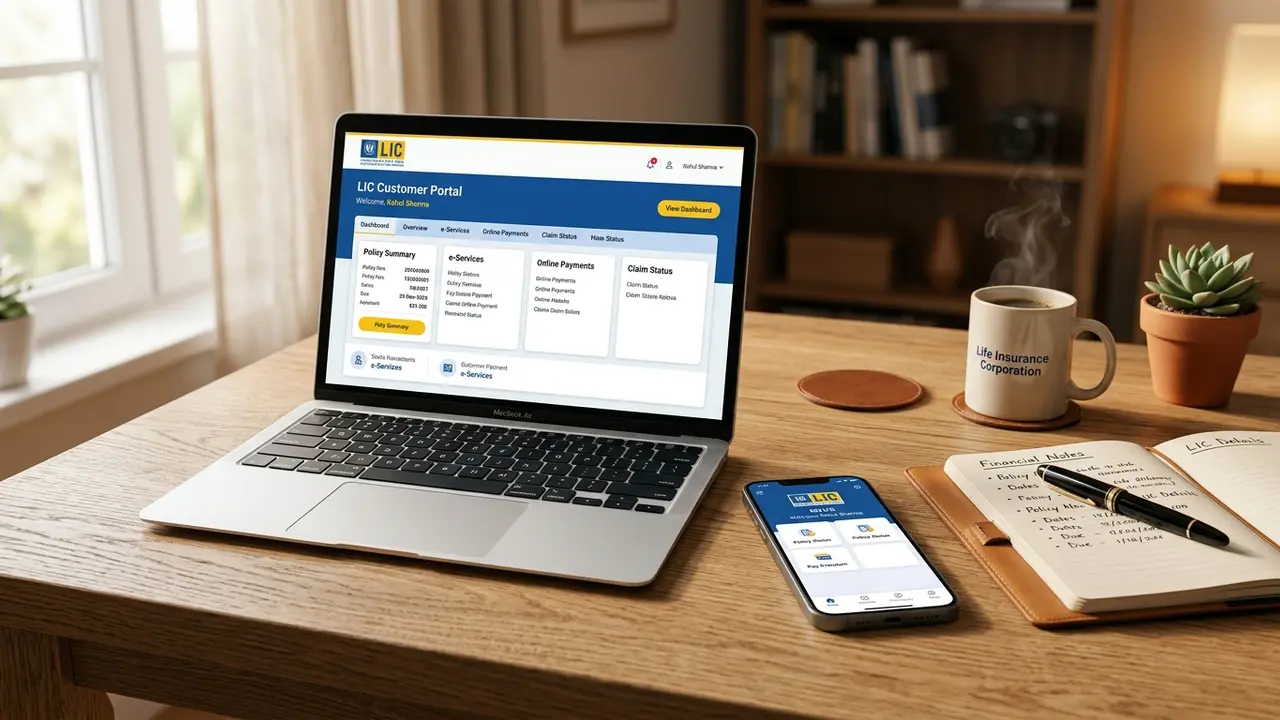
jeevanpramaan.gov.inand click on "Pensioner Sign In". Enter your Pramaan ID to download the official Ministry of IT digital certificate. - Step 2: Wait 48 hours for LIC core system synchronization. Log in to the LIC Customer Portal (
ebiz.licindia.in). - Step 3: Navigate to "Online Services" → "Annuity Details".
- Step 4: Check the field labeled "Next Existence Certificate Due Date". If it displays the subsequent year's date, your compliance is 100% complete and verified.
Content validated against IRDAI Pension Regulations, National Informatics Centre (NIC) Jeevan Pramaan Operating Guidelines, and Life Insurance Corporation of India Pension & Group Schemes Manual (2025-2026).